Why choose BlobBridge?
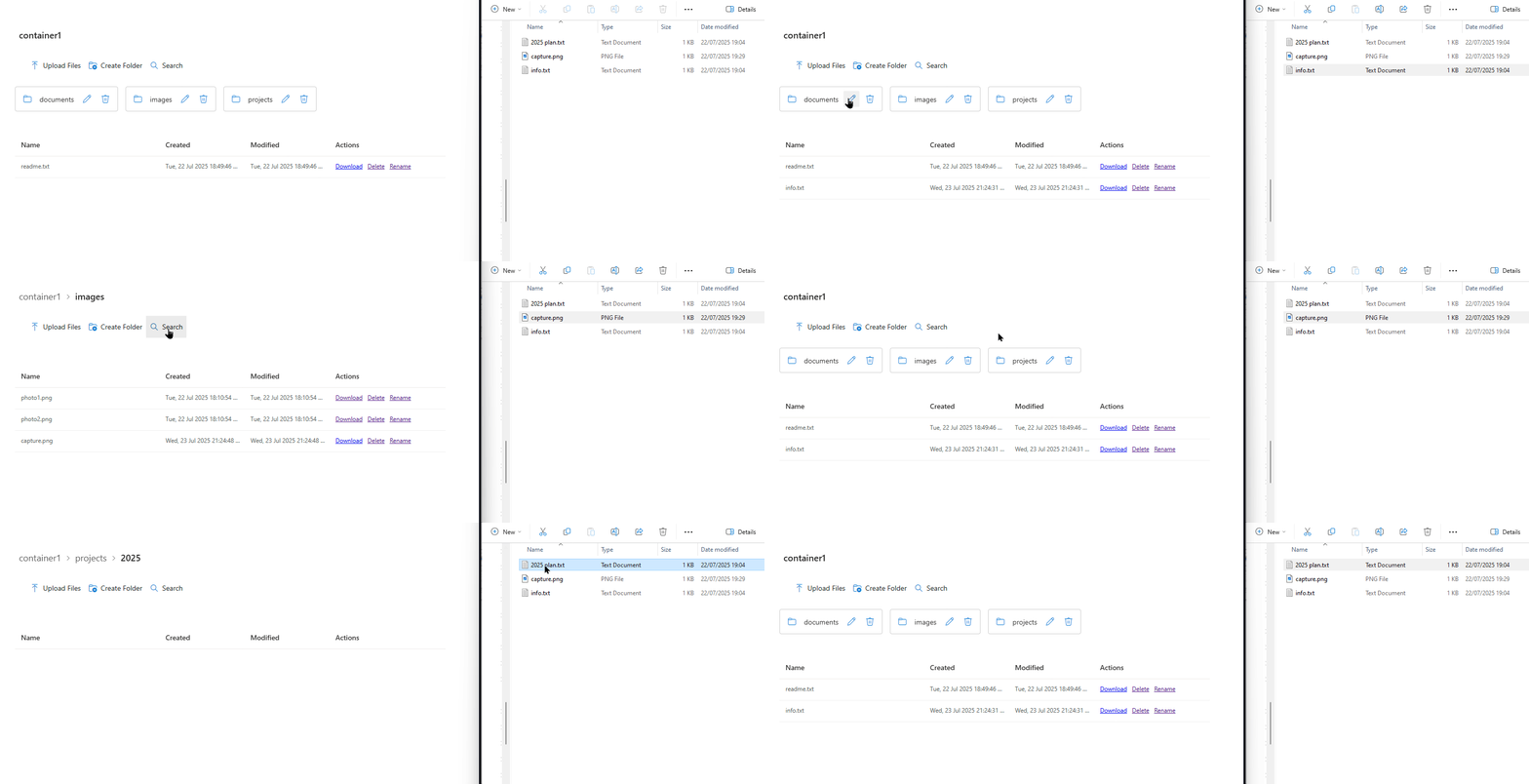
SharePoint-based access
Users browse blob-stored files from SharePoint through a document-library-style interface. No separate end-user portal.
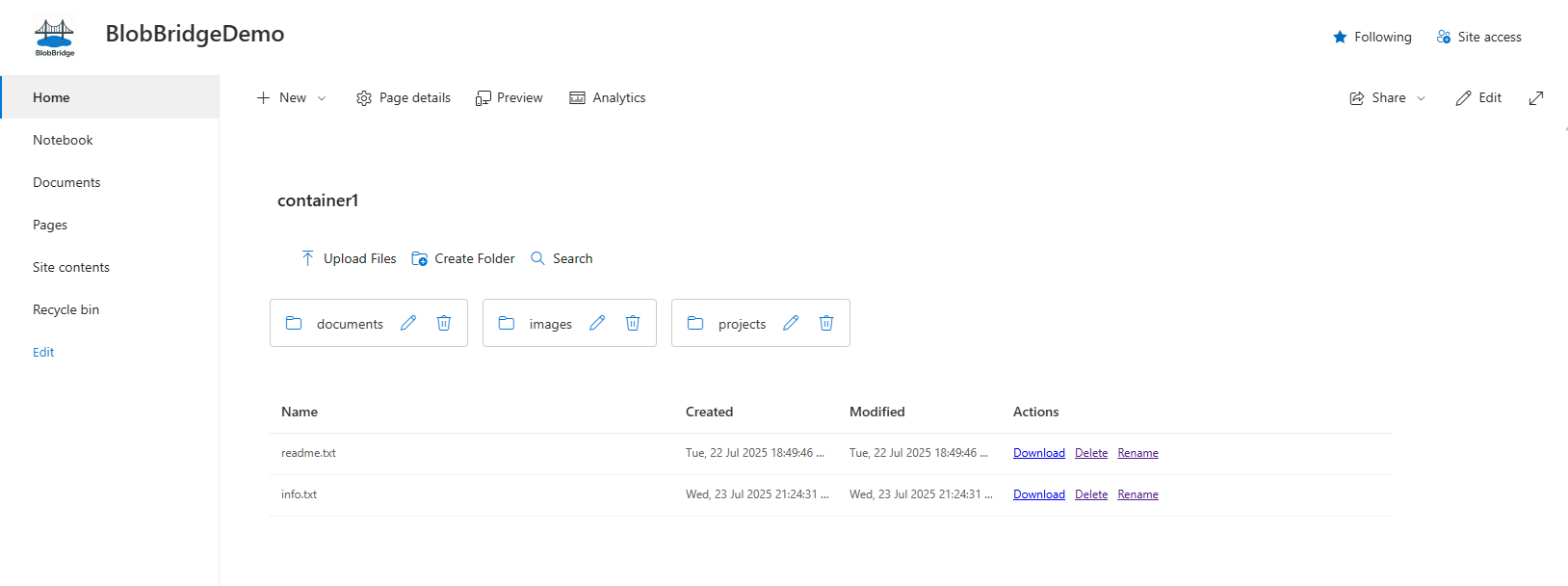
Keep files in Azure Blob Storage
Files remain in the customer's Azure Blob Storage account. BlobBridge does not migrate, host or store customer files.
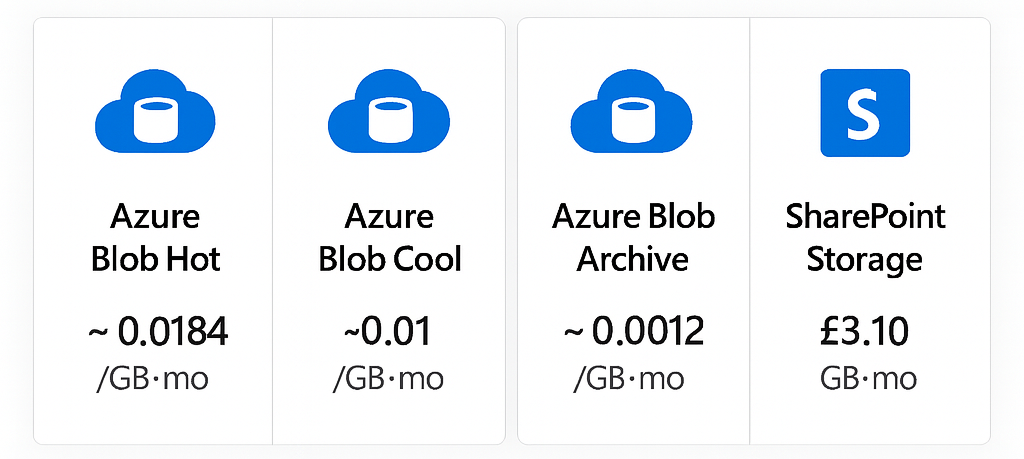
Tenant-wide licence
One licence covers unlimited users and unlimited SharePoint sites within one Microsoft 365 tenant.
BlobBridge at a glance
| Capability | Details |
|---|---|
| Browse and search | Document-library-style browsing, with search across the current folder and subfolders. Searching from the container root searches the full container. |
| Upload options | Upload from computer, drag and drop, or select files from SharePoint to upload into Azure Blob Storage. |
| Overwrite handling | Optional overwrite handling when an uploaded file already exists. |
| File and folder handling | Improved support for special characters in file and folder paths, plus improved folder rename and delete handling. |
| Large folders | Paged loading with Load more for larger folders. |
| Sorting and dates | Sort by name, type, size and modified date, with modified dates shown in local time. |
| Open/download behaviour | Use default browser behaviour or Prefer download, depending on configuration. |
| Licensing | One licence covers one Microsoft 365 tenant, with unlimited users and unlimited SharePoint sites. |
Try BlobBridge
The trial uses the current BlobBridge package. It lists files and folders so you can validate your SharePoint, SAS and CORS setup before buying.
- Same setup steps as the full product.
- No licence required for the trial. Works on any modern SharePoint page.
- Write actions are blocked in the trial.
Quick start (1-2 mins)
- Upload BlobBridge.Trial.sppkg to your App Catalog.
- Add the BlobBridge Trial web‑part to a test page.
- Set Storage URL, Container and (optionally) a read‑only SAS.
- Publish and browse - listing works; other actions prompt to buy.
Install and configure
- Upload BlobBridge.sppkg to your Tenant or Site App Catalog.
- Add the BlobBridge web part to any modern SharePoint page.
- Upload the BlobBridge.lic file to a read‑only library all users can access.
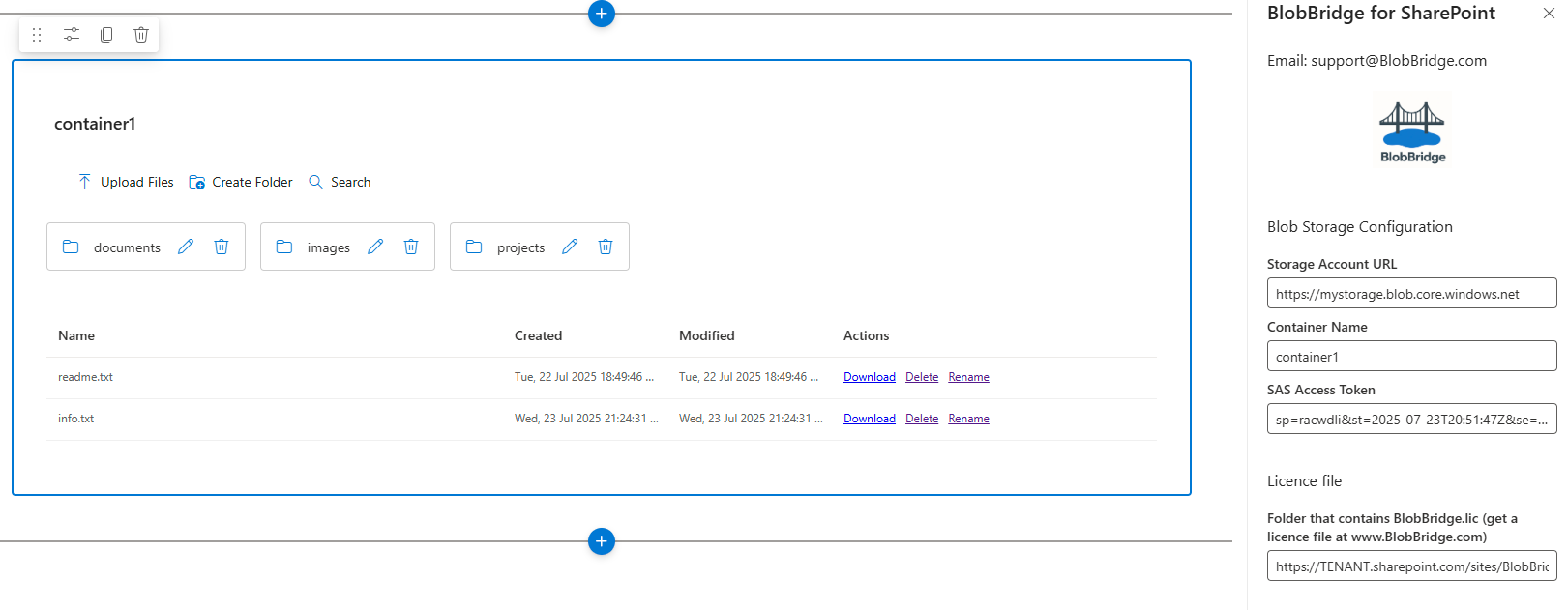
- Open web‑part properties and enter Storage URL, Container, SAS Token and the licence‑file folder path.
- Publish the page so users can browse blob-stored files from SharePoint.
.sppkg package over the existing BlobBridge package in the SharePoint App Catalog. Existing web part instances should normally update automatically. If a site does not pick up the update, go to Site contents, open the BlobBridge app entry and choose Update.
Pricing
Core
£995 one-time
Unlimited sites • Unlimited users • One Microsoft 365 tenant
- ✓ All BlobBridge product features
- ✓ Licence bound to your tenant
- ✓ All product updates
- ✓ Self-serve docs
- ✓ No support SLA
Secure Stripe checkout • Instant licence issuance (enter Tenant ID at checkout)
Pro
£2,500 per year
All product features plus support
- ✓ Priority email support
- ✓ Setup and configuration guidance
- ✓ Update assistance
- ✓ Best-practice guidance
Enterprise
£5,000+ per year
For larger or regulated deployments
- ✓ Larger deployment support
- ✓ Named contact options
- ✓ Faster response targets
- ✓ Security review pack
- ✓ Rollout and operational guidance
Prices charged in GBP. USD/EUR shown for guidance only. All BlobBridge product features are included in every tier. The difference between tiers is support, guidance and service level.
Data & usage considerations
- Azure egress charges apply on large downloads.
- BlobBridge uses the SAS token configured for each web part instance.
- BlobBridge does not store or host customer files.
- Actual blob access capability is governed by the configured SAS token permissions.
Deployment experience
Early customer deployments have shown same-day setup is realistic where the Azure Storage account, SAS token and SharePoint App Catalog are already available.
Customer feedback has directly shaped recent improvements, including upload options, folder and subfolder search, large-folder Load more and improved file and folder handling.
BlobBridge is designed for teams that want SharePoint-based access to Azure Blob Storage without sending end users to the Azure portal.
How purchasing works
Start checkout
Click Purchase to open our secure Stripe checkout.
Enter Tenant ID
Provide your Microsoft 365 Tenant ID so we bind your licence.
Pay securely
Card payments handled by Stripe. Instant confirmation.
Get your licence
Download the BlobBridge.lic file immediately and follow the docs.
Questions about invoicing or procurement? Contact sales.
Security and governance
SAS access model
- Read/List allows browsing and downloading.
- Create/Write allows upload and overwrite scenarios.
- Delete allows deletion.
- Short-lived SAS tokens can be used if the customer manages token rotation and updates.
Controls & compliance
- Visibility - SharePoint page permissions and audience targeting control who can see the page or web part.
- Actions - the configured SAS token controls what actions are possible against the Azure Blob container.
- Data storage - customer files stay in the customer's Azure Blob Storage account.
- Limit - BlobBridge is not a full SharePoint document library replacement.